Modify Catalyst SD-WAN security objects and security profiles
This task allows you to modify the values associated with Catalyst SD-WAN security objects and security profiles to update configurations as needed.
Use this procedure to modify the values associated with Catalyst SD-WAN security objects and security profiles from Security Cloud Control Firewall Management.
Procedure
Step 1 | Choose . |
Step 2 | Choose Objects. |
Step 3 | Click the WAN Branch Edge tab. |
Step 4 | Select the security object or profile to modify. To find an object, use the filter. |
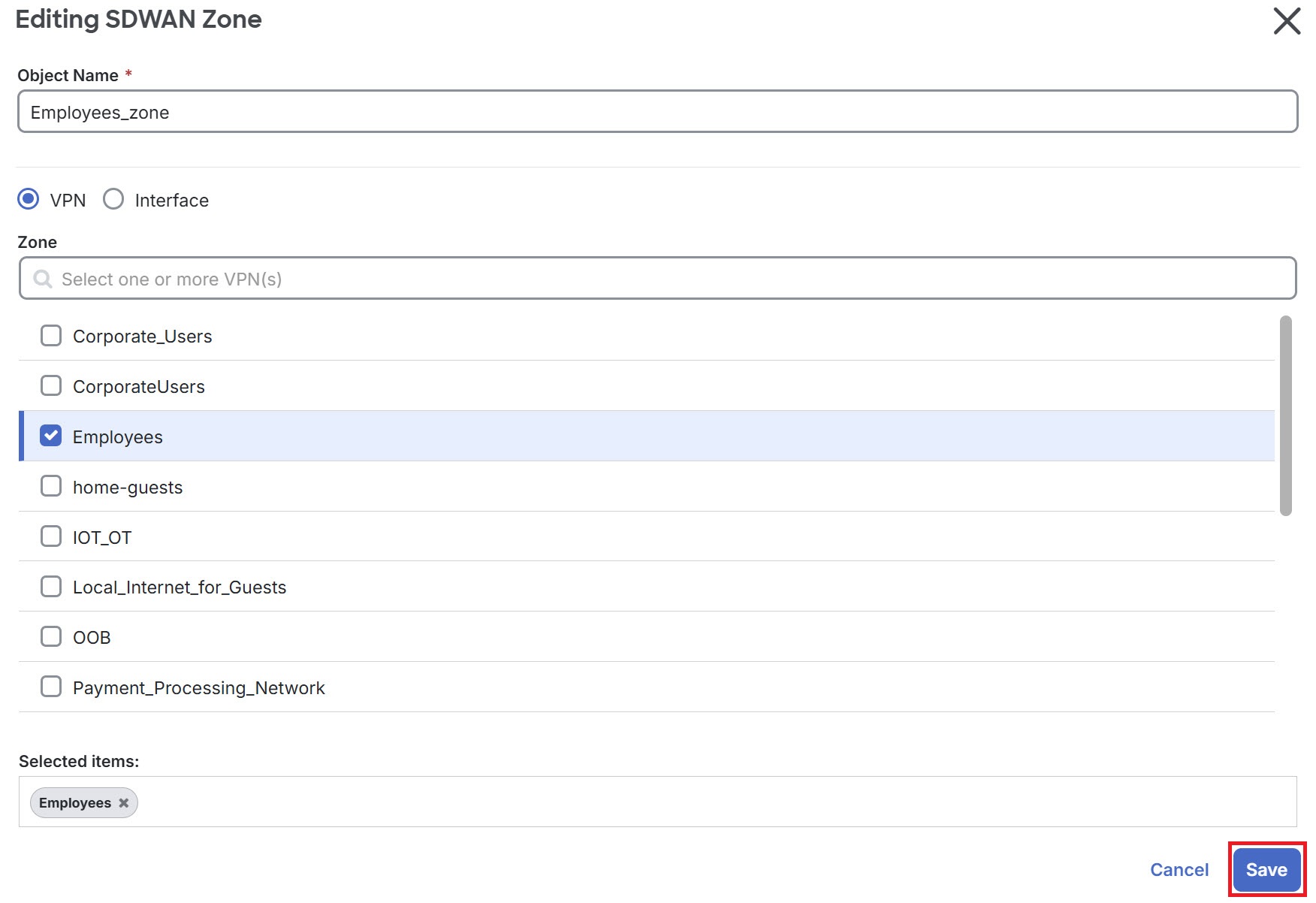
Step 5 | In the Actions pane, click Edit. Modify the configurations you want to change. |
Step 6 | Click Save to confirm.
|
The security object or profile is updated with your modifications and the changes are saved.